Some of us at Isotope60 have been around for a long time. Think pre-internet times. As such, we are nostalgic for old-school technologies. This is why we decided to set up a Gopher server.
What Is It?
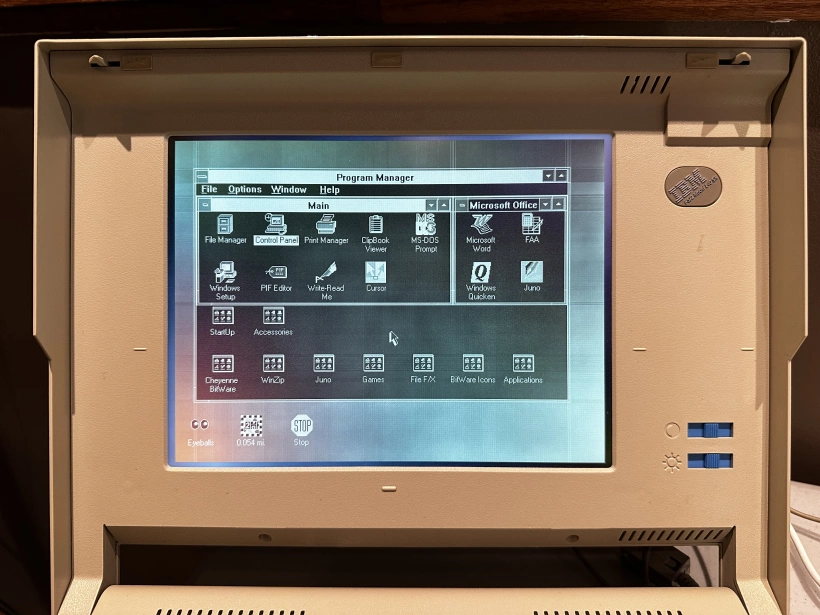
Gopher is a pre-website internet protocol that was created in 1991 at the University of Minnesota, which is just across the Mississippi from one of our locations. It provides a very simple, hierarchical, text-based way to view files and their contents. One might say it was the precursor to the world wide web as we know it.
Unlike traditional websites, Gopher is very lightweight, and primarily uses text files. There are no trackers, pop-ups, or ads. It uses a menu structure to show you a list of files.
Ease of use and simplicity is the whole point of a Gopher server. It is easy to navigate, and information is readily available. We encourage you to try out our server.
Accessing the Server
Ordinarily, to use Gopher, you need a client. But don't worry, they are easy to come by and are generally free. For the intended experience, we strongly recommend downloading Lynx, which works in your terminal.
To connect with Lynx, you would simply run this command:
lynx gopher://gopher.isotope60.coFor those of you who do not want to go through the hassle of installing Lynx or another Gopher client, we have you covered too. Thanks to the people at Floodgap Systems, you can open a Gopher connection directly in your web browser.
You may access the Isotope60 Gopher server here. But please note, this browser access is not administered by Isotope60 and does not offer the full Gopher experience. It's close, but it is a lot more fun to use an actual Gopher client to get the full experience.
What's On the Server?
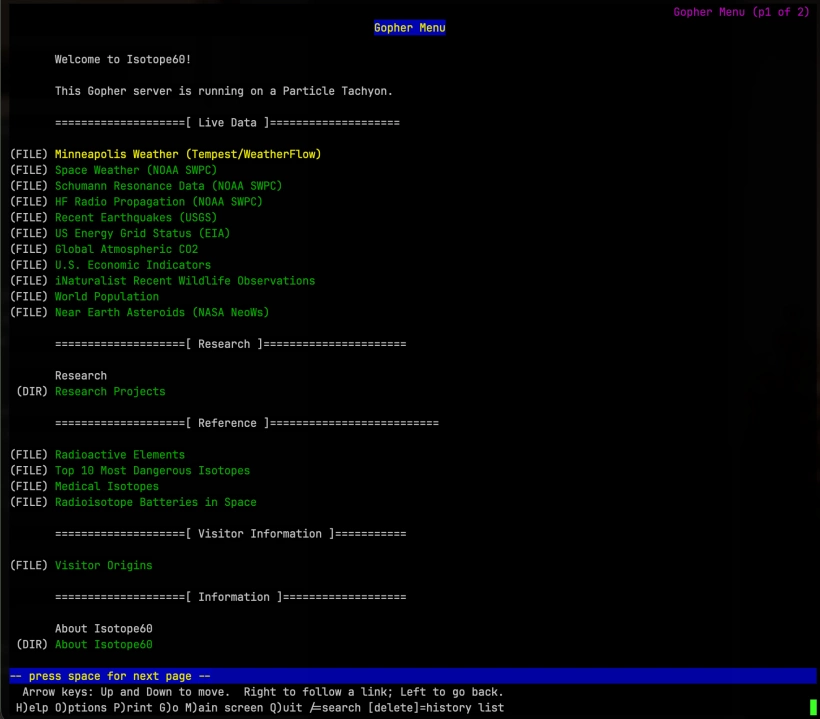
Lots of interesting things! When you connect, you can see the following items:
- Minneapolis Weather
- Space Weather
- Recent Earthquakes
- Global Atmospheric CO2
- World Population
- Radioactive Elements
- Top 10 Most Dangerous Isotopes
- The System State Observatory Research Project
- And more!
Server Information
In case you are curious, the server is a Particle Tachyon single board computer with 8 GB of RAM and a 64 GB micro SD card for a hard drive. The board uses a Qualcomm QCM6490 eight-core Kryo 670 CPU and is capable of approximately 12 trillion operations per second for supported workloads. In other words, this board could do many things, but it's happy being a Gopher server for now.
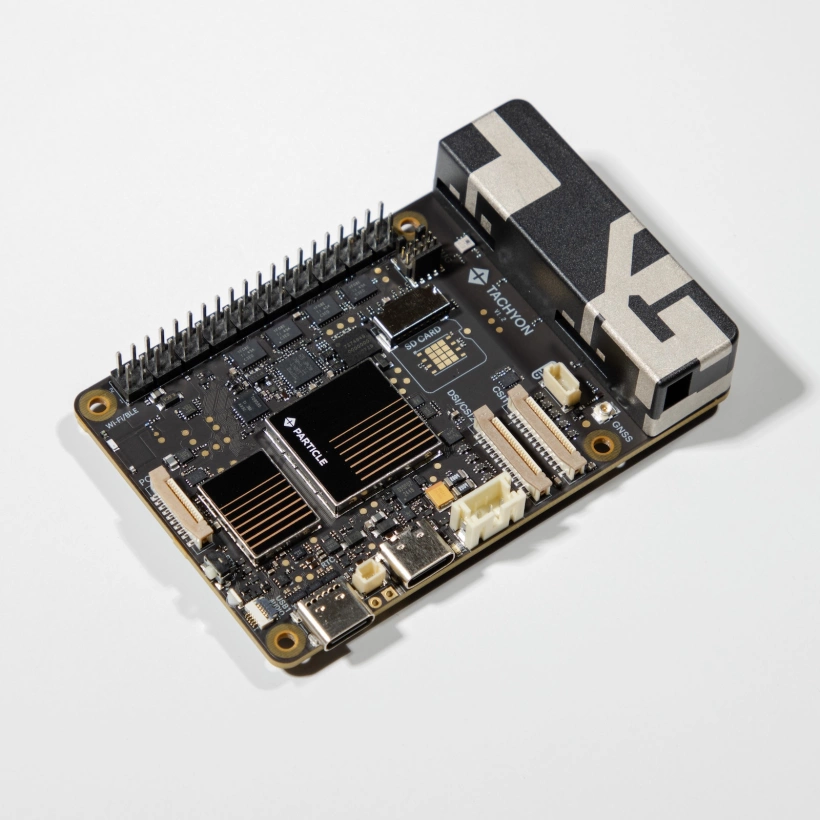
The server consumes very little power, and is also powered by renewable energy. It also has a cellular modem to allow connections to the internet when our primary connection goes offline, which is shown by the rectangular box in the image above.